Virtual try-on is worth testing for choice overload when a shopper has found plausible clothes but cannot decide which deserve closer attention. The commercial job is to help that shopper form a useful shortlist and take a next step. An experience that simply adds more looks to browse has not yet solved the problem.
For fashion founders, CMOs, ecommerce, merchandising and retail CX leaders, this creates a specific evaluation question: can visual comparison make an existing buying decision easier? This guide proposes a shopper journey and a way to test it. It does not claim that virtual try-on has already reduced choice overload or increased sales for iKawn customers.
Why choice overload deserves a commercial diagnosis
Accenture’s The empowered consumer, published April 30, 2024, reported that 74% of consumers in its research had walked away from purchases because they felt overwhelmed during the final quarter of 2023. This is older, cross-category consumer evidence, not a fashion abandonment rate or a virtual try-on result. It supports investigating decision friction; it does not establish the cause of your own lost sales.
Investment interest alone is also insufficient. DHL’s 2026 E-Commerce Trends Report announcement, published June 2, 2026, says 73% of surveyed businesses expect to use generative AI more over the next five years. Its research covered 29,000 shoppers and 5,800 businesses in 29 countries. That is a broad ecommerce budget signal, not proof that another AI feature will help shoppers choose.
Before allocating a budget, review a small set of real shopping journeys and ask customers or associates where the decision stopped. Repeatedly opening the same product pages is a clue to investigate, not a diagnosis. A shopper comparing jacket colours needs different help from someone waiting for a lower price or an unavailable size.
Match the intervention to the unanswered question
Use this practical triage before proposing a Mirror pilot. These are recommended decision rules, not measured benchmarks.
- “I cannot find anything relevant.” Examine navigation, filters, product descriptions and merchandising first. A try-on experience cannot compensate for a shortlist that ignores the shopper’s brief.
- “I like several styles but cannot picture which suits my look.” This is a plausible visual-comparison use case. Test a small, relevant set of looks with a clear route back to the chosen product.
- “Will it fit, feel comfortable or suit my body measurements?” Keep sizing information, fabric detail and physical fitting available. A visual preview should not be presented as fit certification.
- “I cannot afford it, get my size or receive it in time.” Address the underlying price, stock or delivery constraint. More visual interaction does not remove it.
The budget trigger should be a recurring visual-decision problem in a commercially relevant category. Document examples from your own store or website, the products involved and the next action that is being delayed. This gives the buyer and the project team a shared reason to test.
Design the journey around a shortlist
A useful external design example comes from Google’s US virtual try-on launch announcement, published July 24, 2025. Google described letting shoppers revisit tried looks, save favourites and share them. That announcement illustrates continuity between exploration and consideration; it does not report a conversion effect, and it is not a statement of iKawn Mirror features.
For your own deployment, specify the following sequence with the supplier and channel owner:
- Start with the shopping brief. Use the occasion, preferred style, budget and available products to define relevance. In a store, an associate can establish this before inviting the shopper to try the experience.
- Offer a bounded comparison. Present a few meaningfully different options rather than a stream of near-identical products. Let the shopper expand the selection deliberately. There is no universal best number of looks.
- Retain a preferred option. Agree how the shopper will remember the product they liked. This could be an associate noting its identity or a scoped digital handoff. Do not assume saved looks, wishlists or cross-device continuity are included.
- Return to a buying action. Make the product identity, availability and next step clear: inspect the product page, request a physical garment or speak to an associate. Confirm the handoff in the demonstration.
Keep exploration optional. A shopper who already knows what to buy should be able to continue without using virtual try-on. Someone who declines a camera or photo flow should still receive ordinary product information and service.
A store example: two jackets, one next step
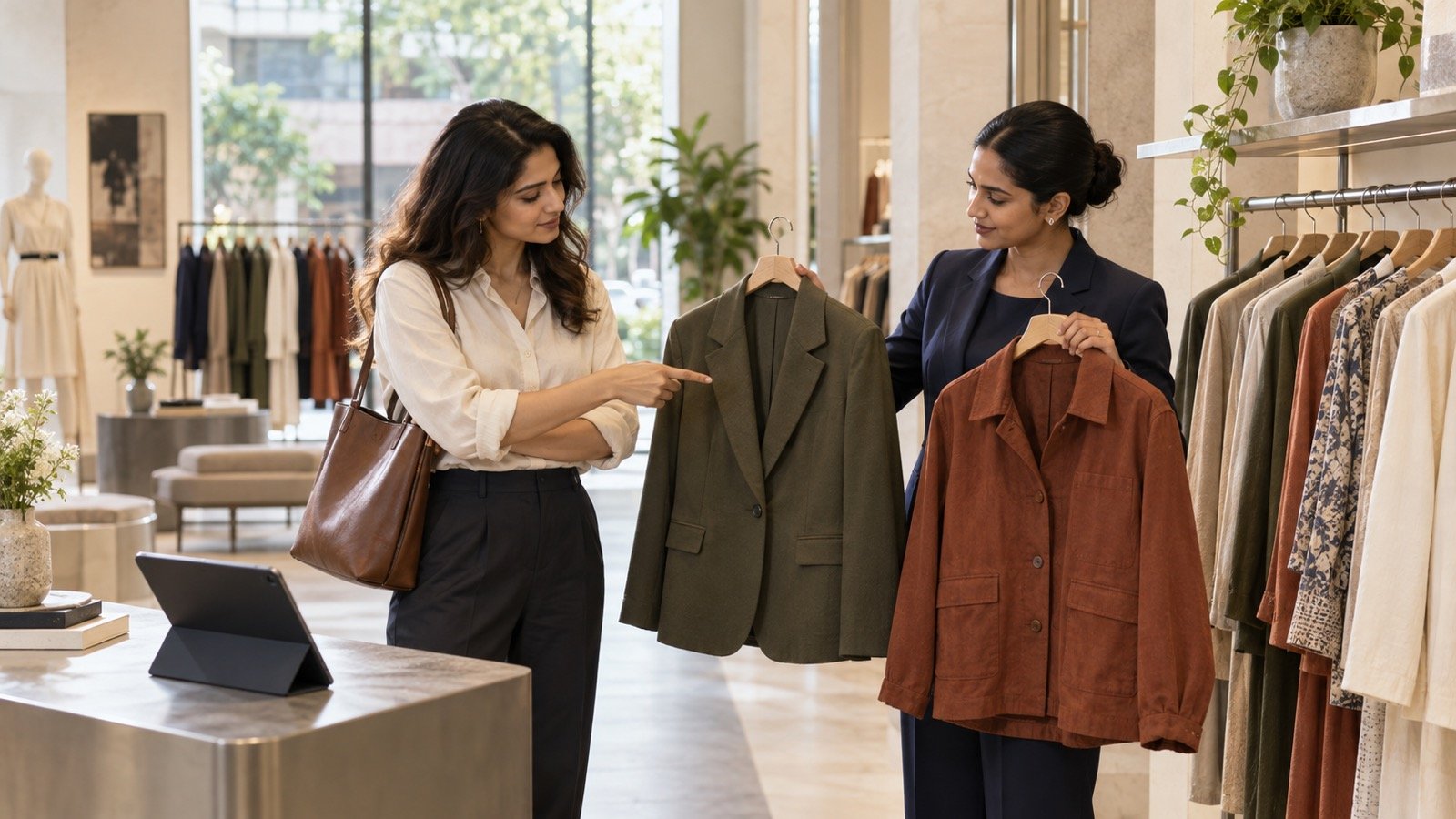
Consider this hypothetical journey. A customer wants a jacket for work and has already identified several suitable styles. The associate establishes the budget and checks availability, then offers two contrasting silhouettes for visual exploration. After the customer identifies a preference, the associate brings that physical jacket for fitting.
The intended outcome is a more useful garment request. It is not “maximum garments viewed.” If the customer keeps restarting the comparison or the associate must repeatedly explain how to leave the experience, simplify the flow before adding more products.
For ecommerce, the analogous brief is to return the shopper to the exact product they preferred with the relevant information intact. Treat this as an integration requirement to demonstrate, not an automatic capability. Your pilot assortment can contain a representative range while each shopper sees a focused subset.
Measure progress without mistaking activity for value
Choose one primary decision outcome before launch. For a store test, it might be a relevant garment request per eligible shopping interaction. For ecommerce, it might be an add-to-cart or completed order per eligible session, if your analytics can measure it reliably. Define eligibility consistently, including shoppers who are offered the experience and decline it.
Record supporting measures such as completion, product handoff, time to the next action, failures and staff effort. Keep customer feedback about ease of choosing alongside those measures. Longer engagement can mean useful exploration or additional friction; duration alone cannot tell you which.
Where feasible, compare equivalent traffic or store periods with and without the experience, keeping assortment, stock, offers and staffing as comparable as possible. Comparing voluntary try-on users with everyone else is not enough to establish an effect: the groups may already differ in purchase intent. Have the analyst define the comparison and sufficient observation period before reading results.
Agree a continuation rule in advance. Expand only if the chosen decision outcome improves with acceptable operational effort and no material deterioration in the buying journey. If the evidence is inconclusive, report it as inconclusive. Do not turn extra interactions into an assumed revenue uplift.
Where iKawn Mirror fits
iKawn Mirror offers live and photo-based virtual try-on for fashion discovery across ecommerce, stores, kiosks and activations. Evaluate it as a way to support visual exploration, comparison and preselection. Physical fit, fabric feel and final sizing judgment remain separate needs.
Bring one category, a recurring shopper hesitation and the next action you want to improve. Ask the demo team to show how a shopper enters, compares relevant looks, identifies a preference and continues shopping. For a store journey, use the retail kiosk guide to frame the setting and staff handoff. Confirm catalog controls, integrations, data handling and measurement for your specific deployment.
A focused demo should leave your team able to decide whether the visual step answers a real customer question—and what a limited pilot must prove.