Real-time AI accessories try-on
Bring selected accessories into the live shopping conversation. iKawn Mirror lets customers explore realistic AI previews as they move, compare looks and choose what to examine next.
Book a live Mirror demo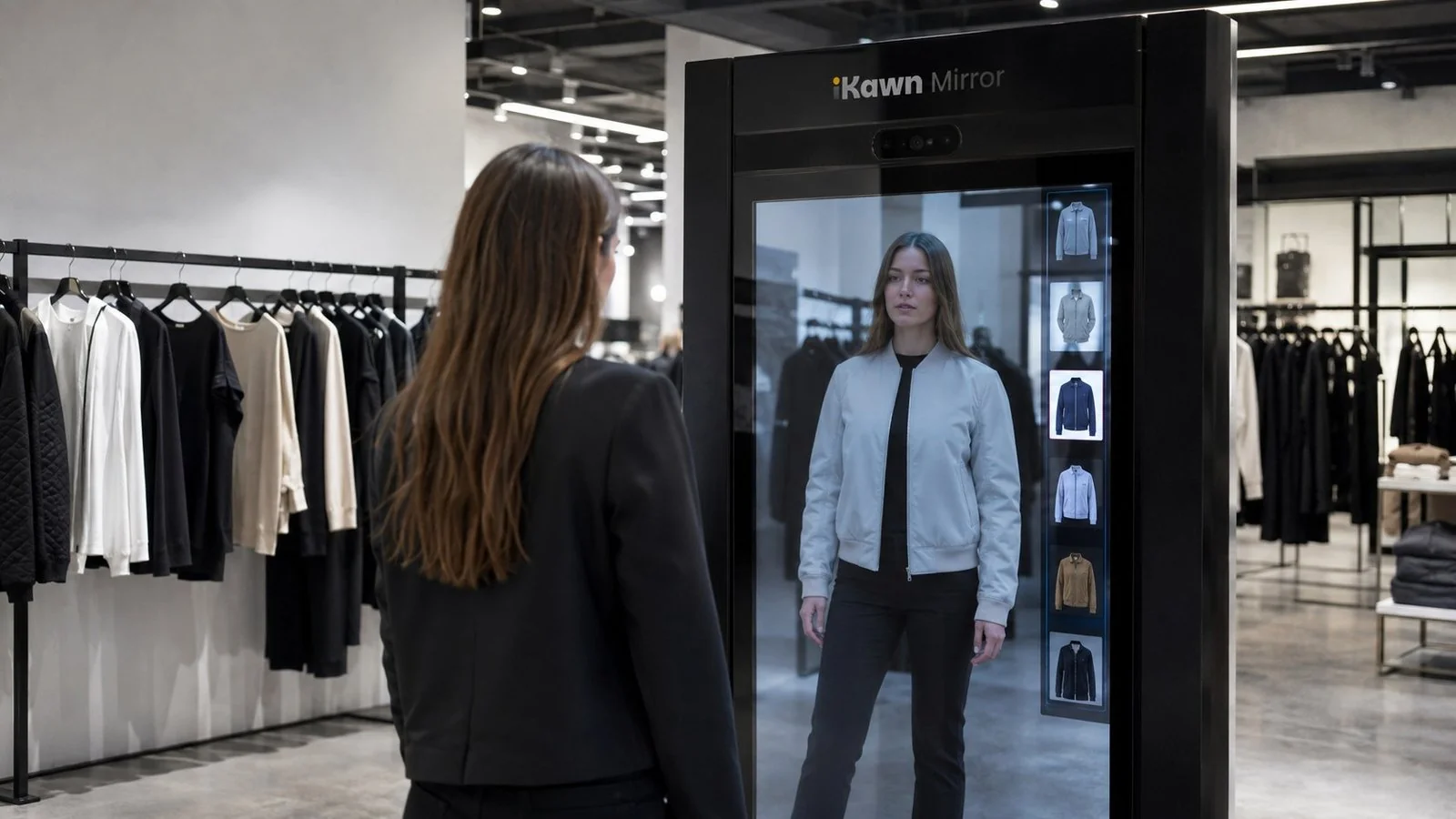
See the product on the shopper. In real time.
Virtual accessories try-on is a broad category. Eyewear, jewellery, watches and other styling pieces each need the right product references and camera framing. iKawn provides real-time interactive AI exploration, with category suitability confirmed for your collection.
Match the accessory to the camera view
A pair of glasses, a necklace and a watch are worn in different places and involve different movements. Define the product category before choosing a tablet position, kiosk framing or web-camera instruction.
- Face-level views for eyewear and selected head accessories.
- Relevant upper-body views for selected jewellery and styling pieces.
- A suitable hand or wrist view for watches and supported wrist accessories.
Small product details deserve a close look
Fine details can distinguish one accessory from another. Evaluate shape, colour impression, decorative elements and placement against your product references during live movement. Product fidelity matters more than a generic visual effect.
- Use representative items with different shapes and finishes.
- Check appearance from relevant angles.
- Continue to physical inspection for material, finish and fit.
Connect exploration to a retail decision
The useful next step may be finding the product, speaking with an associate or trying a physical sample. Plan that handoff alongside the preview instead of treating the camera interaction as an isolated attraction.
- Keep selected items clearly identifiable.
- Show an intentional collection rather than an unstructured catalogue.
- Use a live pilot to agree the device and shopping journey.
See your collection in a live demo
Bring representative products and tell us how your customers shop. We’ll explore the live experience and agree the product, device and deployment requirements with you.
Request your demoQuestions before you start
Which accessories can be explored with iKawn Mirror?
The platform covers selected eyewear, jewellery, watches and other accessory looks. Confirm the exact collection, references, framing and devices during onboarding.
Does every accessory use the same camera setup?
No. Face, upper-body, hand and wrist views have different requirements. A category-specific demo helps define a suitable setup.
How is AI accessories try-on different from a generic filter?
The retail goal is to explore selected products from a collection, with product identity and detail reviewed in a live AI experience. Validate your actual products rather than assuming a generic effect represents them.
How do we arrange a live demo?
Use the demo request on this page and tell us your product category, collection and intended setting. The team will follow up by email to arrange the demonstration and discuss the setup.
What should we confirm before rollout?
Confirm the selected products, camera views, devices, integration, consent and recording terms, and complete commercial scope. A visual preview does not guarantee physical fit, exact colour or a sales outcome.